
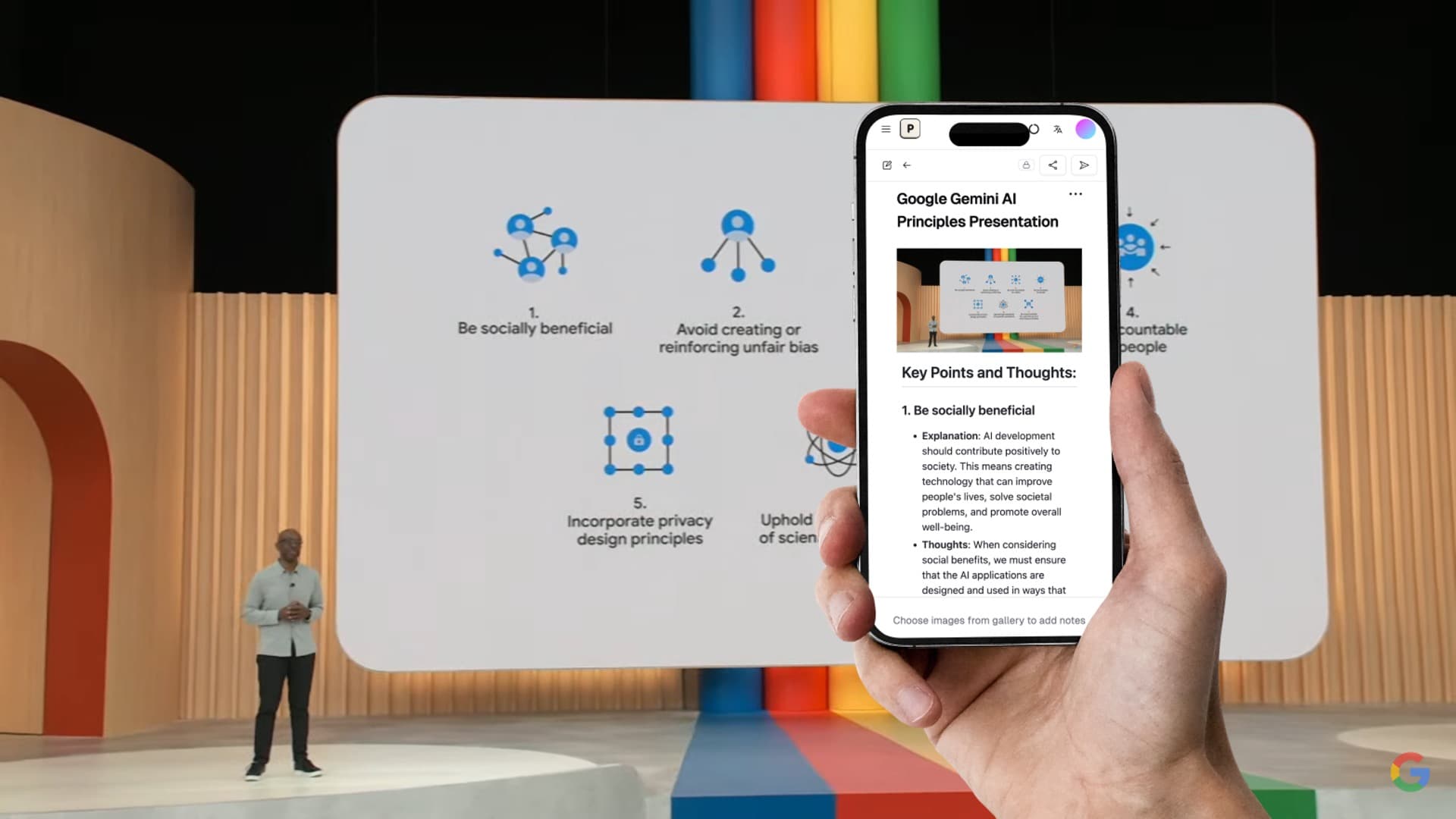

Otter.ai’s free plan has included 300 monthly transcription minutes, yet many people still waste time copying meeting notes by hand in 2026. The surprise is that the “best” free app is not always the one with the longest feature list. It is the one that gives you clean notes without making your team nervous about privacy, bots, or hidden limits.
Start With the Job, Not the App Name
| Product / Tool | Price | Best For |
|---|---|---|
| Jamie | Free | AI note-taker |
| tl;dv | Free | AI note-taking app for meetings |
| Fathom | Free | AI note-taking app for meetings |
| Fireflies.ai | Free | AI note-taker |
| Otter.ai | Free | AI note-taker |
Most “best app” lists mix very different tools together. A student taking lecture notes on an iPad does not need the same app as a sales manager recording 12 Zoom calls a week.
That is why the right choice starts with the job. Are you trying to record meetings, clean up personal notes, capture voice memos, or turn a class lecture into study points?
My clear pick for free meeting notes is Fathom. It records, transcribes, and creates summaries with less setup than many other tools. But if your company does not allow recording bots to join calls, Tactiq or Bluedot may be the safer choice.
The Best Free AI Note-Taking Apps by Use Case
Instead of pretending one tool wins every situation, here is the practical way to choose. These apps all have free options, but the limits can change, so check the pricing page before you move your whole workflow.
- Fathom: Best free choice for Zoom, Google Meet, and Microsoft Teams meetings. Great for solo workers, consultants, and managers who want quick summaries.
- tl;dv: Best for teams that want searchable meeting libraries and clips. It is useful when you need to pull one decision from a long call later.
- Otter.ai: Best for live transcription and simple meeting notes. In 2024, its basic plan listed 300 monthly transcription minutes, which is enough for light use.
- Fireflies.ai: Best for people who want a searchable archive across many meetings. Its free plan has limits, but the search experience is strong.
- Tactiq: Best if you want meeting notes without adding a loud recording bot to the call. It works well as a browser-based transcript helper.
- Bluedot: Best for Google Meet users who want a clean meeting recorder and summaries. It is a strong pick for remote teams already living in Chrome.
- FreeNotes: Best for iPad users who care more about handwritten notes, PDFs, and study notes than meeting recordings.
If you want more tools beyond note-taking, you may also like 9 Free AI Productivity Tools That Cut Busywork Fast. Note apps work best when they connect to the rest of your day, not when they sit alone.
Real Examples: Which Free App Wins in Common Situations?
Example 1: A freelancer with 6 client calls per week. Pick Fathom. The setup is fast, the summaries are clear, and you can send follow-up notes without spending 20 minutes cleaning the transcript.
Example 2: A startup team with 30 customer interviews in one month. Pick tl;dv or Fireflies.ai. The key need is not just a summary. The team needs to search old calls, find quotes, and share clips.
Example 3: A student with an iPad in 2026. Pick FreeNotes if the main work is handwriting, PDFs, diagrams, and class notes. Meeting-focused tools can feel too heavy for school notes.
Example 4: A team that hates bots joining meetings. Pick Tactiq or Bluedot. Some clients do not like seeing a bot in the guest list, even if the tool is harmless. A less visible workflow can be better.
Example 5: A light user who has two interviews a month. Pick Otter.ai. The free minutes may be enough, and the live transcript is easy to follow while people speak.
The biggest difference is not transcription accuracy anymore. Most top tools can create a usable transcript in clear audio. The real difference is how much cleanup you still need after the meeting.
If your job is mostly meetings, read 7 Best AI Meeting Note Taker Apps for Busy Teams Who Hate Writing Notes for a deeper meeting-only breakdown. If you want a full work setup for 2026, see 7 Essential AI Productivity Apps for 2026: Build Your No-Stress Workday.
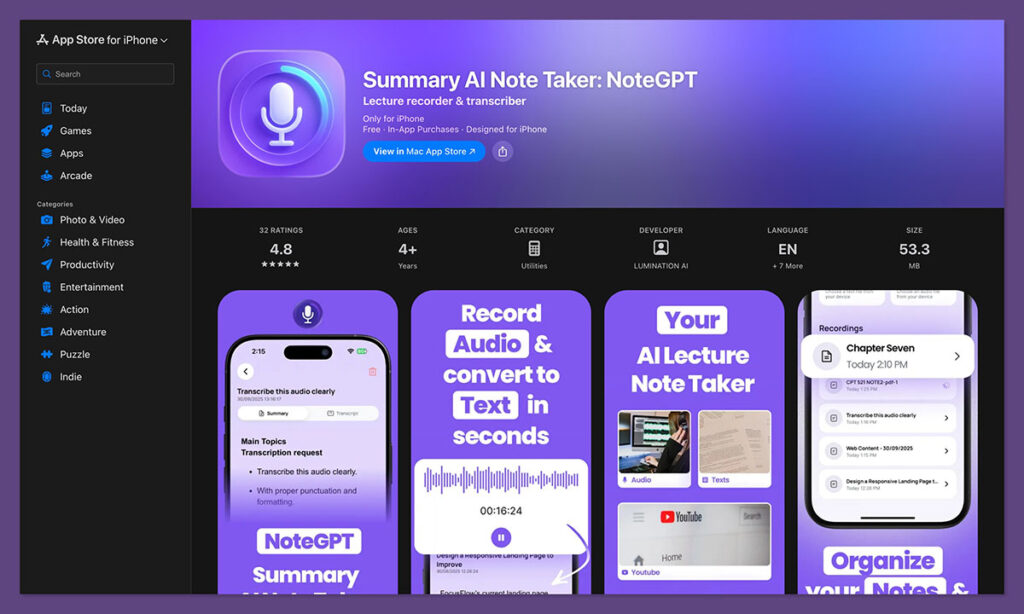
What Most People Get Wrong
Mistake 1: Thinking “free” means unlimited. Free plans often limit minutes, storage, exports, team sharing, or old meeting history. A tool can feel free for two weeks, then become painful once you use it daily.
Mistake 2: Ignoring privacy rules. In some places, recording a meeting requires consent from everyone. Even when the law allows it, people may still feel uncomfortable if you do not tell them first.
Mistake 3: Choosing the prettiest summary. A nice summary is not enough. The best app should also capture decisions, owners, deadlines, and follow-up tasks.
Mistake 4: Using meeting tools for every type of note. Fathom and Fireflies are great for calls, but they are not the best place to sketch ideas, mark up PDFs, or build a personal knowledge base. For that, an iPad note app or a workspace app may fit better.
Mistake 5: Forgetting mobile needs. The best free AI note-taking app for Android may not be the best one for iPhone. Before choosing, test the mobile app, sharing options, and export formats.
FAQ
Is there a completely free AI note-taking app?
Yes, but “completely free” usually comes with limits. Fathom has a strong free individual plan for meetings, while tools like Otter.ai, Tactiq, and Fireflies.ai offer free tiers with caps on minutes, transcripts, or storage.
What is the best free AI meeting note-taking app?
Fathom is the best free AI meeting note-taking app for most people. It is simple, generous for individual users, and strong at turning calls into useful notes and action items.
What is the best free AI note-taking app for Android?
For meetings on Android, Otter.ai is one of the easiest choices because its mobile app is simple for recording and transcription. If your meetings happen in Google Meet or Zoom on desktop, Fathom or Fireflies may still be better even if you use Android as your phone.
What is the best free AI note-taking app for iPhone?
For iPhone users, Otter.ai is a good lightweight choice for voice notes and transcripts. For iPad users who want handwritten notes, FreeNotes is a better fit than most meeting tools.
Is Bluedot a good AI note taker?
Yes, Bluedot is a strong option for Google Meet users, especially if you want a clean Chrome-based workflow. It is not the best all-purpose choice for every platform, but it works well for teams that spend most of their time in Google Meet.

Final Recommendation
If you want one clear answer, choose Fathom as the best free AI note-taking app for meetings in 2026. Choose Tactiq or Bluedot if you want fewer bot-related problems, Otter.ai if you need quick mobile transcripts, and FreeNotes if your main goal is iPad study notes. Start with Fathom, test it for one week, and only switch if your real problem is privacy, mobile recording, or handwritten notes.
*Affiliate link — we may earn a small commission at no extra cost to you.
Personal finance writer with 6+ years covering Indian stock markets, home loans, and tax-saving investments. Previously contributed to MoneyControl and ET Wealth. Based in Mumbai, she helps middle-class Indians make sense of their money.