

EPFO started under the 1952 EPF law, but many PF claims still fail for modern reasons: wrong bank details, Aadhaar mismatch, or choosing the wrong form. The surprise is simple: the EPFO Unified Portal can make PF withdrawal easy, but only if your profile is clean before you click “Submit.”
EPFO also supports services through the UMANG app, which was launched in 2017, and users can get the app link by giving a missed call to 9718397183. Still, for most full PF withdrawal and correction work, the EPFO Unified Member Portal remains the better place to start.
Start Here: What EPFO Unified Portal PF Withdrawal Really Means
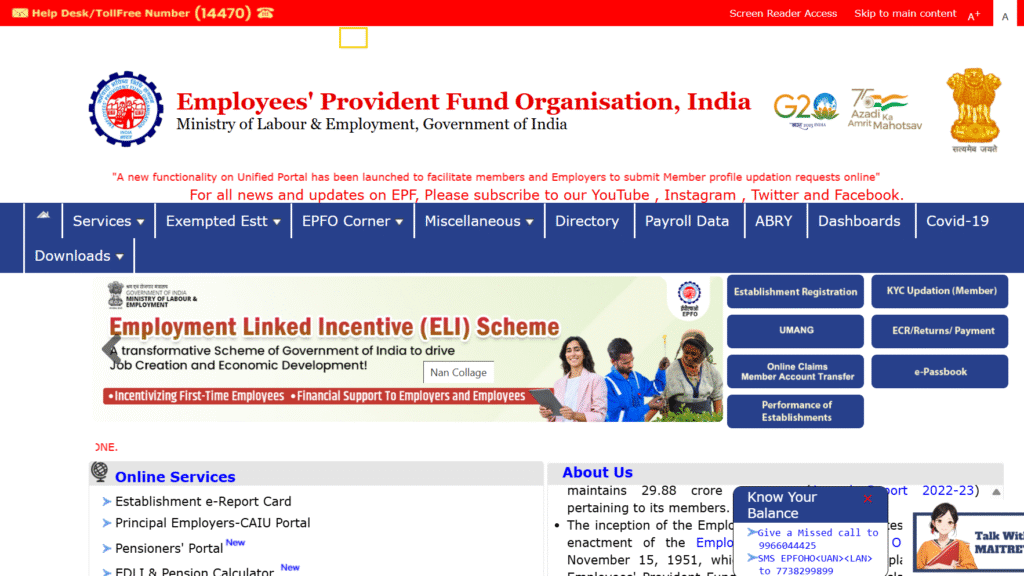
The EPFO Unified Portal is the main online place where employees manage their Provident Fund account. You can check member details, update KYC, transfer PF, and apply for withdrawal without visiting an EPFO office.
Your login is based on your UAN, a 12-digit Universal Account Number. This number stays with you even if you change jobs, but each employer may create a new member ID under the same UAN.
PF withdrawal does not always mean closing your full account. EPFO allows different types of claims, such as full settlement after leaving a job, pension withdrawal, and partial advance for allowed reasons like illness, housing, education, or marriage.
7 Steps to Apply for PF Withdrawal Online
Before applying, remember this rule: most claim problems begin before the claim is filed. Your Aadhaar, PAN, bank account, date of joining, and date of exit must match across records.
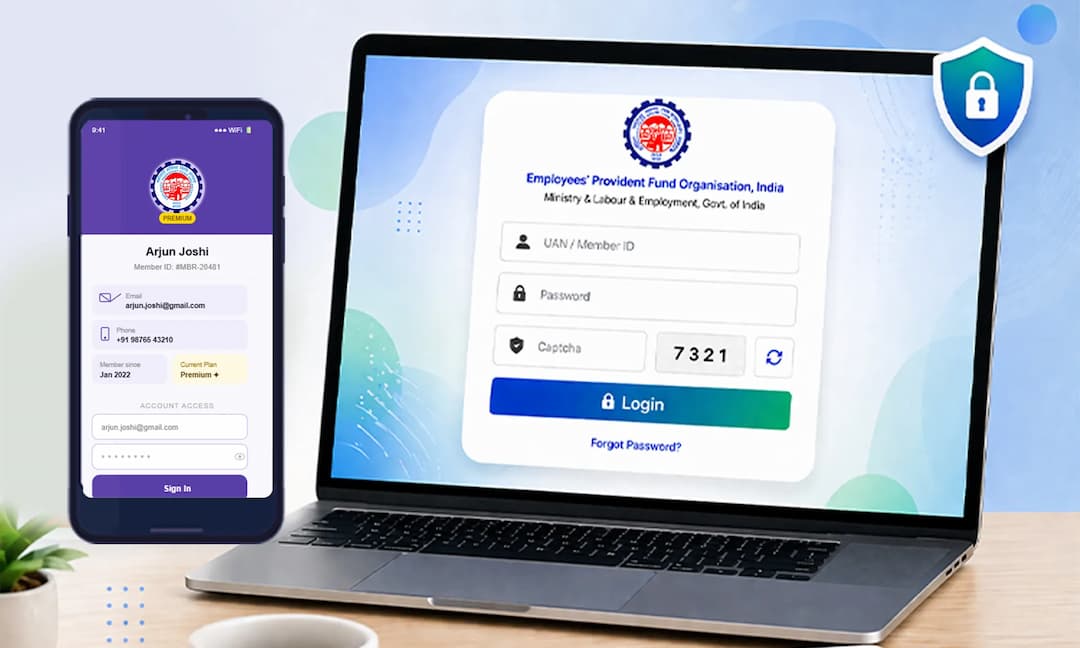
- Activate and log in with UAN: Go to the EPFO Unified Member Portal and sign in using your UAN, password, and captcha.
- Check Aadhaar and mobile link: Your Aadhaar must be linked with your UAN, and your mobile number must be active for OTP verification.
- Verify bank KYC: Check that your bank account number and IFSC are correct. A closed or wrong bank account can lead to rejection or payment failure.
- Confirm PAN status: PAN is important, mainly when your service is less than 5 years and tax rules may apply.
- Choose the right form: Use Form 19 for final PF settlement, Form 10C for pension withdrawal benefit, and Form 31 for partial advance.
- Submit Aadhaar OTP: After selecting the claim type and entering details, verify using the OTP sent to your Aadhaar-linked mobile number.
- Track claim status: Use the portal or UMANG to check whether the claim is under process, settled, rejected, or sent to bank.
If you are waiting for newer payment options, keep expectations realistic. UPI-based PF withdrawals have been discussed as a faster future option, but regular online claim filing through the Unified Portal is still the practical route today. For a deeper look at possible faster withdrawals, see 7 Powerful Ways EPFO UPI Withdrawals Could Reshape Emergency Savings in India.
Real Cases: Which Withdrawal Option Should You Choose?
Case 1: You left your job two months ago and are unemployed. You can usually apply for full PF settlement using Form 19 after meeting EPFO rules. If eligible, you may also apply for Form 10C for pension withdrawal benefit, especially if your service is below the pension eligibility period.
Case 2: You changed jobs and joined a new company. Do not withdraw PF just because you changed jobs. The smarter move is to transfer the old PF balance to the new member ID under the same UAN, so your service history stays connected.
Case 3: You need money for a medical emergency. A partial withdrawal using Form 31 may be better than closing the account. This keeps your retirement balance alive while giving access to funds for an approved reason.
Case 4: Your PF balance looks lower than expected. First check the EPFO passbook. Contributions often appear month-wise, and interest may not show instantly for the latest period. EPFO normally updates interest after official processing, so do not panic if the newest interest is not visible yet.
Case 5: You are thinking of waiting for UPI PF withdrawal. My clear view is this: do not delay a needed claim just to wait for a future feature. Learn what may change later from 9 Smart Things to Know Before EPFO UPI PF Withdrawal Goes Live, but use the existing portal if you need money now.
What Most People Get Wrong
Myth 1: EPFO login and passbook login are always the same. They are linked to your UAN, but the passbook may take time to show updated data after UAN activation or KYC changes.
Myth 2: You can withdraw full PF while working in a new job. If you are employed and contributing to PF, full withdrawal is generally not the right route. Transfer is the better choice.
Myth 3: Aadhaar OTP means the claim cannot fail. OTP only confirms your identity. EPFO can still reject the claim if employer data, bank KYC, date of exit, or service details are wrong.
Myth 4: PF withdrawal is always tax-free. If your continuous service is less than 5 years, tax rules may apply. PAN details become important in such cases.
Myth 5: UMANG fully replaces the Unified Portal. UMANG is useful, especially on mobile, but the Unified Portal gives a fuller view for KYC, service history, and claim filing. EPFO has offices across India, with the organisation supported through 138 locations, but online correction is still faster for most users.
FAQ
How do I log in for EPFO Unified Portal PF withdrawal?
Go to the EPFO Unified Member Portal and log in with your UAN and password. If your UAN is not activated, activate it first using your member ID, Aadhaar, PAN, or mobile details.
How can I check EPFO PF withdrawal status?
You can check status through the Unified Member Portal under online services. You can also use the UMANG app to track the claim from your phone.
Which form should I use for PF withdrawal?
Use Form 19 for final PF settlement, Form 10C for pension withdrawal benefit, and Form 31 for partial advance. Choosing the wrong form is a common reason people get confused or file incomplete claims.
Why was my EPFO online claim rejected?
Common reasons include wrong bank account, name mismatch, Aadhaar not linked, missing date of exit, incorrect IFSC, or employer details not updated. Check your KYC and service history before applying again.
Can I withdraw PF without employer approval?
Many Aadhaar-based online claims can be submitted without direct employer approval if your UAN is active, Aadhaar is linked, and KYC is verified. But if your records are incomplete, you may still need employer correction before the claim works.
Final recommendation: Use the EPFO Unified Portal as your main route for PF withdrawal, not random agents or unofficial links. File only after your Aadhaar, PAN, bank KYC, mobile number, and date of exit are correct, and choose partial withdrawal over full withdrawal unless you have truly left employment or have a serious need.

*Affiliate link — we may earn a small commission at no extra cost to you.
Career growth columnist with 7 years covering India's job market, salary benchmarks, and upskilling trends. Former HR consultant. His practical advice has been cited by Naukri.com and LinkedIn India.