
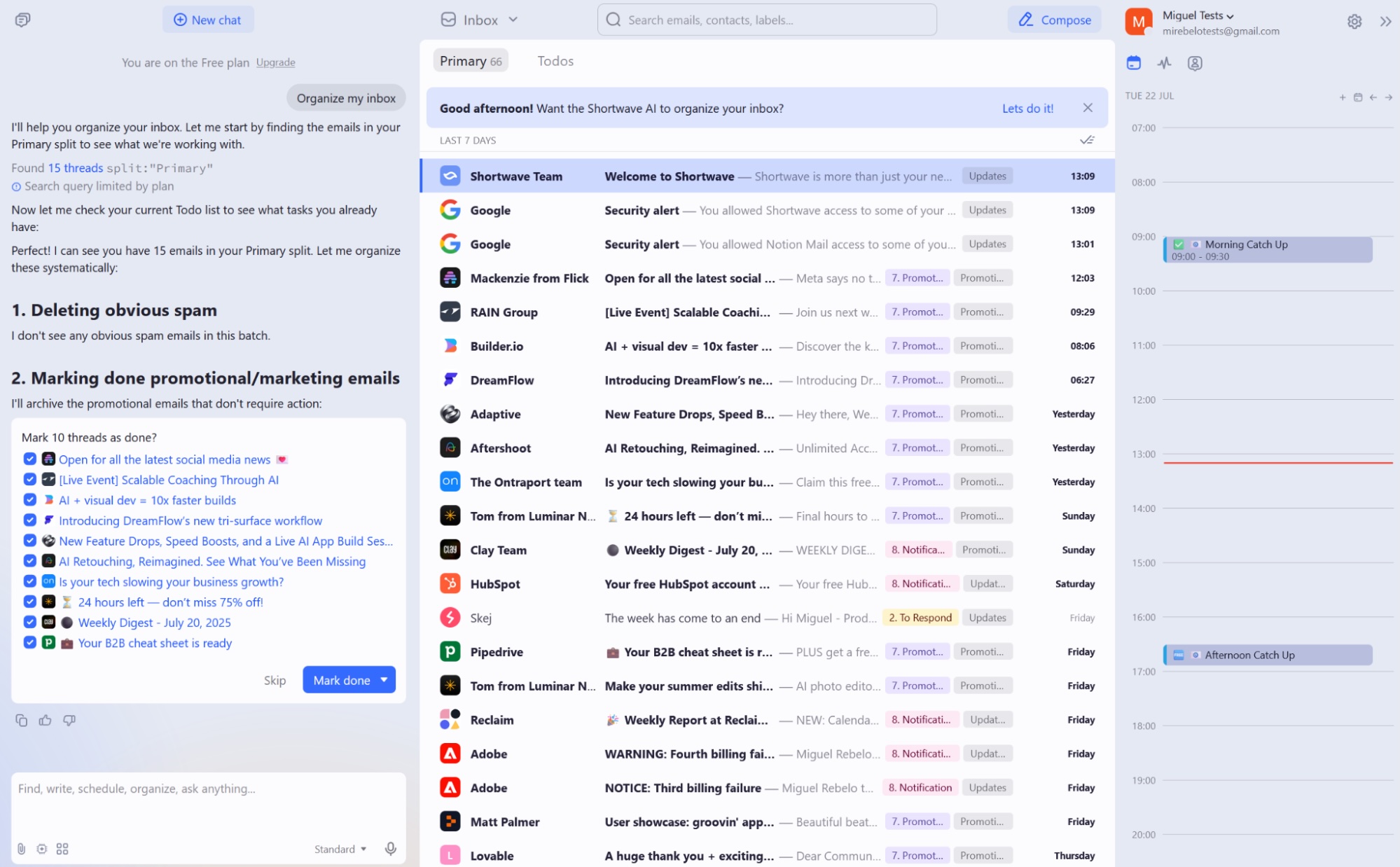

| Product / Tool | Price | Best For |
|---|---|---|
| Mixmax | Not specified | Thread tracking, task creation via Rules, auto-drafting, and staying inside Gmail |
| Gemini for Gmail | Not specified | Google Workspace users |
| Mailmeteor for Gmail | Not specified | Inbox organization, draft replies, and writing alongside you without leaving Gmail |
| Gemini | Not specified | Drafting emails and prioritizing tasks in Gmail |
Gmail crossed 1.5 billion users in 2018, and many of those inboxes are now full of newsletters, receipts, meeting notes, and forgotten follow-ups. The surprise is this: the “smartest” Gmail helper is not always the one with the most automation.
For most people, the best choice is the assistant that works inside Gmail, understands your email context, and does not force you to change your whole workflow.
The Real Winner for Gmail Users
My top pick: Gemini in Gmail
Gemini in Gmail is the best all-around choice because it sits where your email already lives. You can ask it to write a reply, shorten a draft, make a message warmer, or explain a long thread.
Google announced Help me write for Gmail at Google I/O 2023, then added more Gemini features to Workspace apps in 2024. That matters because Gmail support is not a side feature. It is part of the main product.
The biggest win is trust. You do not need to give a random browser extension full access to your inbox just to clean up email.
Best for sales teams: Mixmax
Mixmax is a strong pick if Gmail is part of your sales process. It can help with email tracking, follow-up workflows, templates, and task-style rules.
This is not the best choice for a student or casual Gmail user. But if your day is full of outreach, reminders, and pipeline follow-ups, Mixmax gives you more control than Gemini alone.
Best for shared team inboxes: Gmelius
Gmelius is useful when more than one person handles the same inbox. Support teams, operations teams, and agencies can use it to assign emails, leave internal notes, and manage shared Gmail work.
It is less about writing pretty replies and more about stopping messages from falling through the cracks.
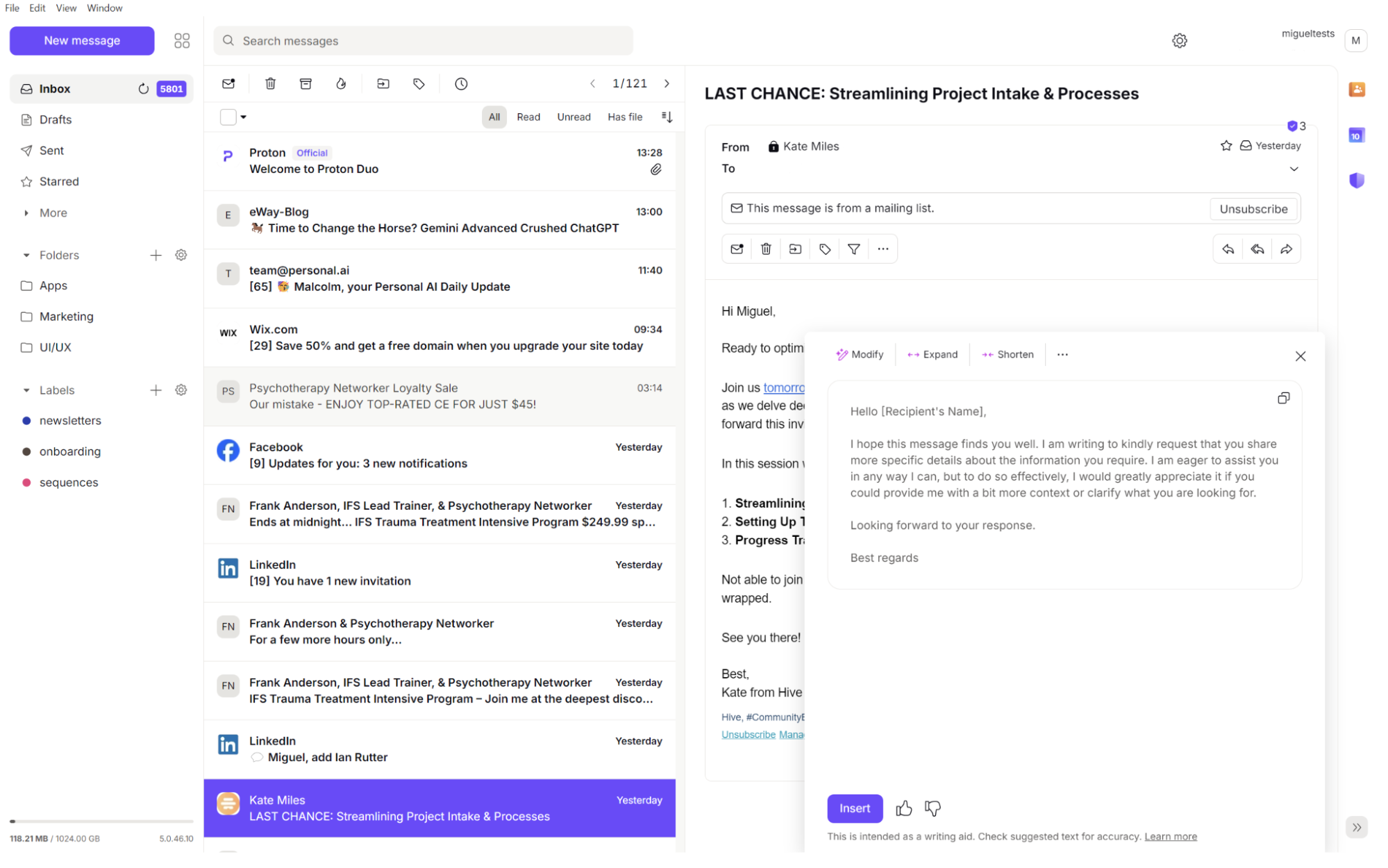
Quick Comparison Table
| Tool | Best use | Main trade-off |
|---|---|---|
| Gemini in Gmail | Writing, summarizing, quick replies, native Gmail help | Some features may require a paid Google plan |
| Mixmax | Sales follow-ups, tracking, Gmail-based outreach | Can feel too heavy for simple inbox cleanup |
| Gmelius | Shared inboxes and team email workflows | Best value comes from team use, not solo use |
| Superhuman | Fast keyboard-based email management | Requires changing how you use email |
| Shortwave | Inbox grouping and modern email flow | Feels more like a new email app than Gmail itself |
| Mailmeteor for Gmail | Drafting and mail merge inside Gmail | Better for campaigns than full inbox control |
What Most Reviews Miss
More automation can create more risk
A tool that can label, archive, reply, and create tasks sounds amazing. But if it acts too freely, one bad rule can hide an important client email or send the wrong follow-up.
That is why I do not recommend giving a new tool full control on day one. Start with drafting and summarizing. Add auto-actions only after you trust the results.
Mobile support matters more than fancy dashboards
Many people answer email from a phone. If the assistant only works well in a desktop browser, it may not help when you are between meetings or traveling.
This is where Gemini has an edge for Gmail users. Google has been building Gemini deeper into Gmail and Workspace, instead of treating it like a separate add-on.
Privacy is not a small detail
Your inbox may contain contracts, medical notes, invoices, password resets, and private family messages. Before installing any Gmail extension, check what it can read and whether your company allows it.
This is extra important for people in the EU, healthcare, finance, education, or legal work. A helpful email tool is not worth a compliance problem.
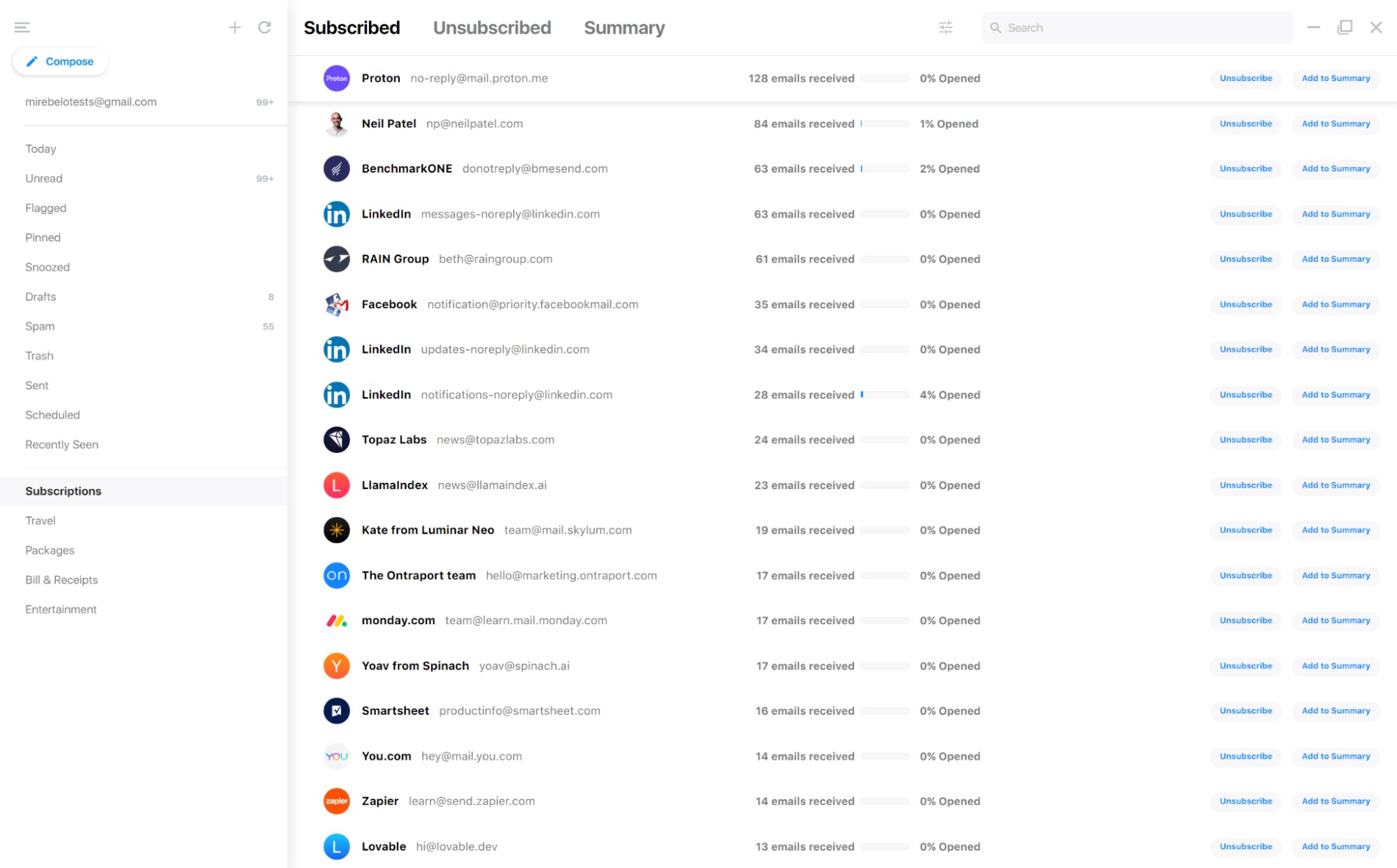
How to Choose the Right Gmail Assistant
Step 1: Pick your main problem
If your problem is writing replies, choose Gemini in Gmail. If your problem is remembering follow-ups, look at Mixmax. If your problem is team ownership of emails, look at Gmelius.
Do not buy a complex tool just because it has more features. The best tool is the one that removes your daily email pain.
Step 2: Test with low-risk emails first
Use the assistant on newsletters, meeting replies, and internal updates before using it for customers or legal messages. Check tone, facts, names, and dates every time.
For more tools beyond email, see 11 Best AI Productivity Tools in 2026 for Work, Study, and Software Teams. Email is only one part of the productivity stack.
Step 3: Build three safe prompts
Save prompts you can reuse. For example: “Summarize this thread in 5 bullets,” “Write a polite reply that says no,” and “Turn this email into a task list.”
Simple prompts are easier to check. They also reduce the chance of sending a reply that sounds strange or too formal.
Step 4: Review cost against time saved
The Radicati Group estimated 4.48 billion email users worldwide in 2024. That scale explains why email tools keep growing, but it does not mean every paid plan is worth it.
If a tool saves you 20 minutes a day, it may pay for itself. If you only use it once a week, start with a free or built-in option.
Free vs Paid: What I Would Do
If you use a personal Gmail account, start with built-in Gmail smart features and any Gemini access available to your account. Then add a focused tool only if you hit a clear limit.
If you use Gmail for work, I would choose Gemini first, then add Mixmax or Gmelius only for a specific team workflow. If you compare large language tools often, this guide on Gemini 3.1 Pro vs GPT-5.4 for developers who care about value may help you think about cost and quality.
FAQ
Which AI works best with Gmail?
Gemini works best with Gmail for most users because it is native to Google’s email system. It is the cleanest option for summaries, drafts, and quick writing help.
What is the best free AI email assistant for Gmail?
Start with Gmail’s built-in smart writing features and any free Gemini access on your account. For mail merge or campaign-style sending, Mailmeteor can also be useful, but check its free limits before relying on it.
What do Reddit users often recommend?
Reddit threads often mention Mixmax, Superhuman, Shortwave, Gmelius, and Gemini. The common theme is practical: people want inbox cleanup, thread summaries, follow-up reminders, and fewer tabs.
What is the best AI email assistant for Outlook?
For Outlook users, Microsoft Copilot is the strongest first choice because it connects with Outlook, Teams, Word, and Microsoft 365. Gmail users should not switch to Outlook just for email assistance.
Can an AI email assistant send replies for me?
Some tools can draft or automate replies, but you should approve important messages yourself. For client, legal, finance, or HR emails, always review before sending.
Final Recommendation
Choose Gemini in Gmail as your main AI email assistant in 2026. It is the best fit for everyday Gmail users because it is built in, easy to use, and strong at the tasks most people need: writing, summarizing, and understanding long threads.
Pick Mixmax only if Gmail is part of your sales workflow. Pick Gmelius if your team shares inbox work. For everyone else, Gemini is the clear first choice.

*Affiliate link — we may earn a small commission at no extra cost to you.
Bilingual fintech writer covering credit cards, UPI, and personal finance for readers across India and Brazil. Holds a postgraduate degree in Economics. Believes financial literacy belongs to everyone, regardless of language.