
One small team can spend over $300 a month on AI subscriptions in 2026 before anyone saves a single hour. Microsoft 365 Copilot is commonly priced at $30 per user per month, ChatGPT Plus is $20 per month, and Notion AI is often a $10 per month add-on.
That is why the best AI productivity setup is not the longest app list. It is the smallest group of tools that removes repeat work, keeps your notes searchable, and helps you finish real tasks faster.
The 2026 productivity rule: buy fewer apps, connect them better
| Product / Tool | Price | Best For |
|---|---|---|
| Zapier | Not specified | AI orchestration and automation |
| ChatGPT, Claude, Meta AI | Not specified | Chatbots |
| Zapier Agents | Not specified | AI agent builders |
| Lindy | Not specified | Best productivity app overall; scheduling meetings and sorting tasks |
| Notion AI | $10/month add-on | Thinking, writing, and organizing everything in one place |
Most people lose time because their work is split across email, docs, chats, calendars, task apps, and browser tabs. A smart AI app should reduce that switching, not add another place to check.
For 2026, I would not build a giant AI toolbox. I would build a four-part work system: one assistant for thinking, one app for notes, one tool for automation, and one place for tasks.
This is also why the “best app overall” answer is often misleading. A founder, student, salesperson, writer, and project manager do not need the same stack. But they all need tools that can capture work, explain information, and move tasks forward without constant manual copying.
The 9 AI productivity apps worth your attention in 2026
Here is the short list I would trust for real work. These are not random shiny tools. Each one has a clear job and fits into a simple productivity system.
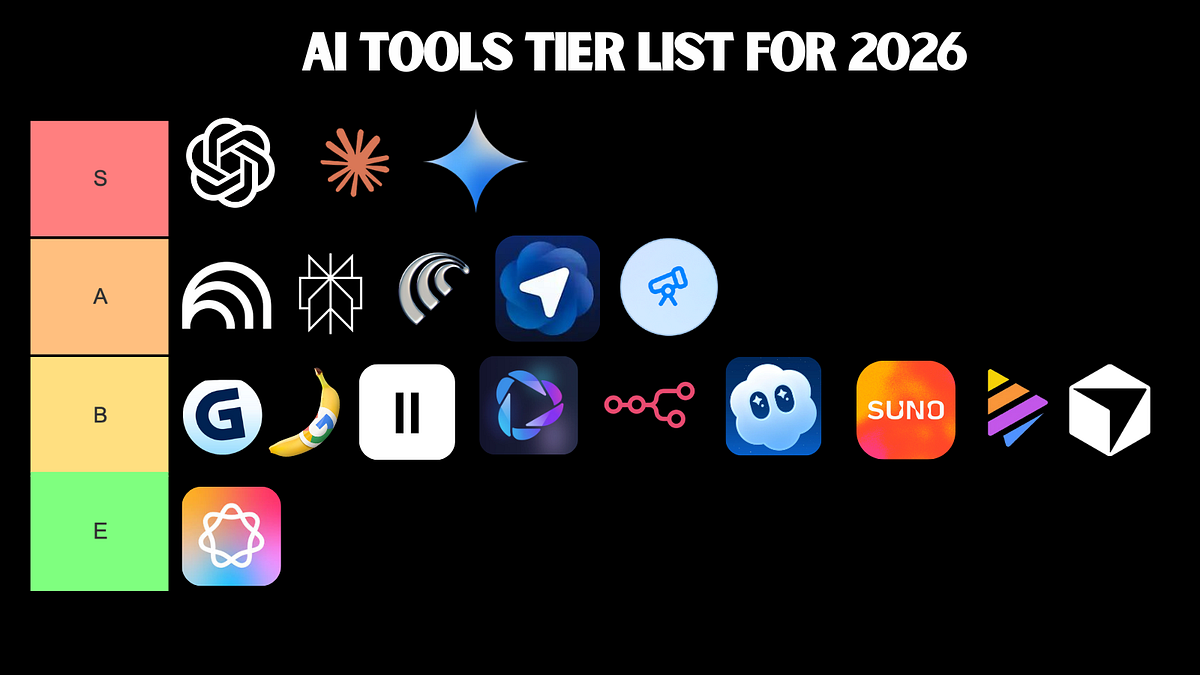
- ChatGPT: Best first paid AI app for writing, planning, research help, summaries, brainstorming, and coding support. In 2026, ChatGPT Plus is still a strong value at about $20 per month for many solo users.
- Claude: Best for long documents, careful writing, editing, and turning messy notes into clear drafts. It is especially useful when tone and structure matter.
- Notion AI: Best for people who want notes, tasks, docs, meeting notes, and project plans in one workspace. The AI add-on has been widely listed at around $10 per month, making it easy to add to an existing Notion setup.
- Lindy: Best for people who want an AI assistant that can help with scheduling, inbox work, follow-ups, and small admin tasks. It is useful when your biggest problem is not writing, but coordination.
- Zapier: Best for automation between apps. Zapier has supported thousands of app connections, often listed as 7,000+ integrations, which makes it useful for moving data without manual copy-paste.
- Microsoft Copilot: Best for companies already living inside Word, Excel, Teams, Outlook, and PowerPoint. The big win is that it works where many office workers already spend the day.
- Google Gemini: Best for Google Workspace users who rely on Gmail, Docs, Sheets, and Drive. It is a natural fit for teams already using Google accounts for daily work.
- Todoist: Best simple task manager with smart task capture and natural language scheduling. It is cleaner than many heavy project tools.
- Perplexity: Best for quick research with sources. It is useful when you want answers with links instead of a blank chat box.
If you want a deeper comparison for work, school, and technical teams, this guide to 11 Best AI Productivity Tools in 2026 for Work, Study, and Software Teams pairs well with this list.
Best choices by real-life use case, not by department
Many lists sort AI apps by marketing, sales, finance, HR, and operations. That helps companies, but it does not help a normal person deciding what to install today.
A better way is to choose by the problem you face every week.
If you write a lot: Choose ChatGPT or Claude. ChatGPT is great for fast drafts, outlines, social posts, email replies, and idea generation. Claude is often better when you need a cleaner, calmer writing style or you are working with long text.
If your notes are a mess: Choose Notion AI. It can help turn rough meeting notes into action items, rewrite pages, summarize documents, and keep project knowledge in one place.
If you live in email and calendars: Choose Lindy or Microsoft Copilot. Lindy is strong for assistant-like workflows. Copilot is the better fit if your company already uses Outlook, Teams, and Microsoft 365.
If you repeat the same admin task every week: Choose Zapier. For example, you can save form answers to a spreadsheet, send a Slack alert, create a task, and update a CRM without doing each step by hand.
If you research daily: Choose Perplexity. It is a good tool for finding sources, comparing options, and getting a quick starting point before deeper reading.
This is where many people overbuy. You do not need five chatbots. You need one strong assistant, one reliable workspace, and one automation layer.
For a smaller starter pack, you may also like 7 Essential AI Productivity Apps for 2026: Build Your No-Stress Workday, especially if you want less setup.
Free, iOS, and Android picks people actually ask for
A lot of readers are not looking for enterprise software. They want to know which AI productivity apps are free, which ones work on iPhone, and which ones are good on Android.
Best free starting point: Use the free versions of ChatGPT, Claude, Gemini, Perplexity, and Notion before paying. Free plans are enough for testing your daily use. You will know within a week if you keep returning to one app.
Best AI productivity apps for iOS in 2026: ChatGPT, Claude, Notion, Todoist, Gemini, and Perplexity all make sense on iPhone. The best iOS setup is usually ChatGPT for thinking, Todoist for quick tasks, and Notion for notes.
Best AI productivity apps for Android in 2026: Gemini has a strong advantage on Android because of Google’s ecosystem. Still, ChatGPT, Notion, Todoist, and Perplexity are also practical Android choices.
Best low-cost stack: Use ChatGPT free, Notion free, Todoist free, and Perplexity free. Upgrade only one app after you know which tool saves the most time.
Best paid stack for solo workers: ChatGPT Plus, Notion AI, and Todoist Pro. This gives you writing help, knowledge management, and task control without paying for a full enterprise system.
If your goal is to save time at work rather than test every new app, this related breakdown of 7 Smart AI Work Tools to Save Hours Every Week in 2026 is a useful next step.
What most people get wrong
Mistake 1: Paying before building a habit. A paid AI tool does not help if you forget to use it. Try the free plan for a week and use it on the same task every day.
Mistake 2: Using AI only for writing. Writing is useful, but the bigger time savings often come from summaries, follow-ups, task creation, research, and automation.
Mistake 3: Keeping private data in the wrong place. Do not paste passwords, private client details, medical data, legal files, or sensitive company information into a tool unless your company has approved it. Productivity is not worth a security problem.
Mistake 4: Choosing the “smartest” chatbot instead of the best workflow. The app that connects to your calendar, docs, email, or task list may save more time than a chatbot with better answers.
Mistake 5: Automating broken work. If your process is confusing, Zapier or Lindy can make the confusion move faster. Clean up the steps first, then automate.
FAQ
What is the best AI productivity app in 2026?
ChatGPT is the best first choice for most people in 2026 because it helps with writing, planning, learning, coding, and problem solving. It is broad enough to be useful before you know exactly what kind of tool you need.
What are the best free AI productivity apps in 2026?
The best free options are ChatGPT, Claude, Gemini, Perplexity, Notion, and Todoist. Free plans are best for testing your workflow before paying for upgrades.
Which AI productivity apps are best for iPhone?
For iPhone, use ChatGPT for general help, Notion for notes and projects, Todoist for tasks, and Perplexity for research. This setup is simple and works well for students, freelancers, and office workers.
Which AI productivity apps are best for Android?
For Android, Gemini is a strong pick because it fits well with Google services. ChatGPT, Notion, Todoist, and Perplexity are also excellent Android choices.
Do I need more than one AI productivity app?
Yes, but not many. Most people only need three tools: one AI assistant, one notes or workspace app, and one task or automation app. More than that often creates extra work.
Final recommendation: If you are starting fresh in 2026, choose ChatGPT Plus as your main assistant, add Notion AI if you manage notes or projects, and use Zapier only when you have a repeat task worth automating. That stack is practical, affordable, and strong enough for most people without turning productivity into another full-time job.

*Affiliate link — we may earn a small commission at no extra cost to you.
Career growth columnist with 7 years covering India's job market, salary benchmarks, and upskilling trends. Former HR consultant. His practical advice has been cited by Naukri.com and LinkedIn India.