

| Product / Tool | Price | Best For |
|---|---|---|
| Jamie | Free | Ranked #1 in “5 Best Free AI Note-Takers” |
| tl;dv | Free | Ranked #2 in “5 Best Free AI Note-Takers” |
| Fathom | Free | Ranked #3 in “5 Best Free AI Note-Takers” |
| Fireflies.ai | Free | Collaboration and topic tracking; ranked #4 |
| Otter.ai | Free | Transcription, automated summaries, AI Chat, knowledge base and workflow; ranked #5 |
Data sourced from top search results. Verify before making decisions.
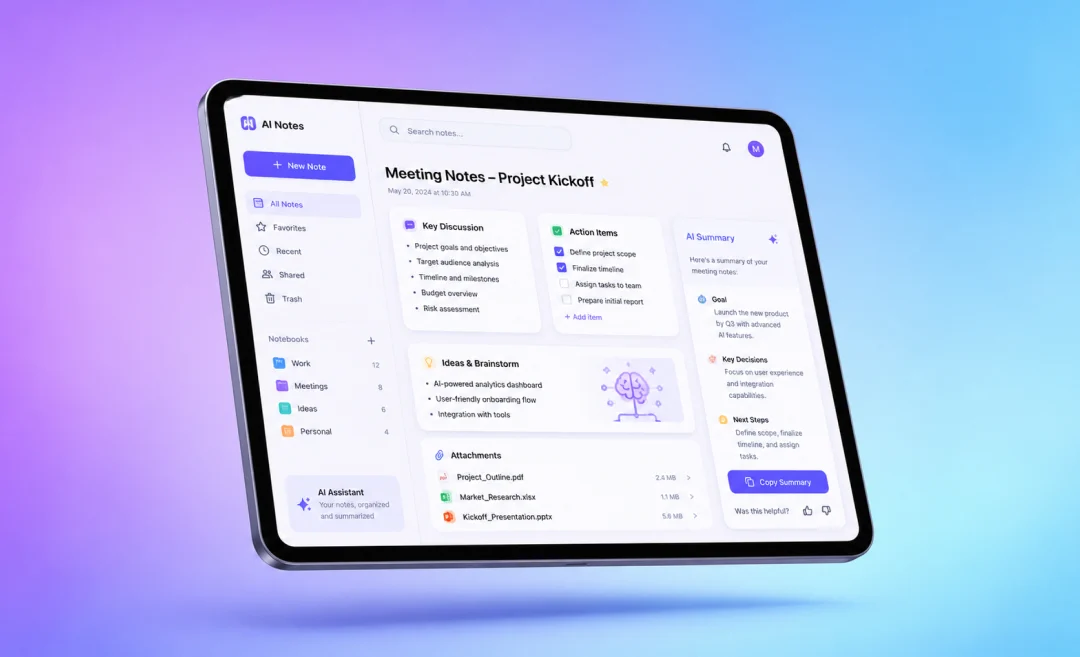
Most meetings end with the same problem: everyone heard something different, and nobody wants to write the follow-up notes. The right AI meeting note taker app can record, transcribe, summarize, and pull out action items before you even leave the call.
But the “best” app depends on how you meet. Some tools are great for Zoom calls, some are better for phone use, and some are built for sales teams that need deep conversation insights.
What Makes a Great AI Meeting Note Taker?
A good meeting note app should do more than turn speech into text. It should help you understand what happened, what was decided, and what needs to happen next.
The best tools usually include speaker labels, summaries, action items, searchable transcripts, and calendar support. Some also connect with Zoom, Google Meet, Microsoft Teams, Slack, Notion, HubSpot, or Salesforce.
The Big Choice: Bot or No Bot?
Many apps join your meeting as a visible bot. This is fine for some teams, but it can feel strange in sales calls, interviews, or client meetings.
Apps like Bluedot stand out because they can record in the background without a meeting bot. That makes the meeting feel more natural while still giving you notes afterward.
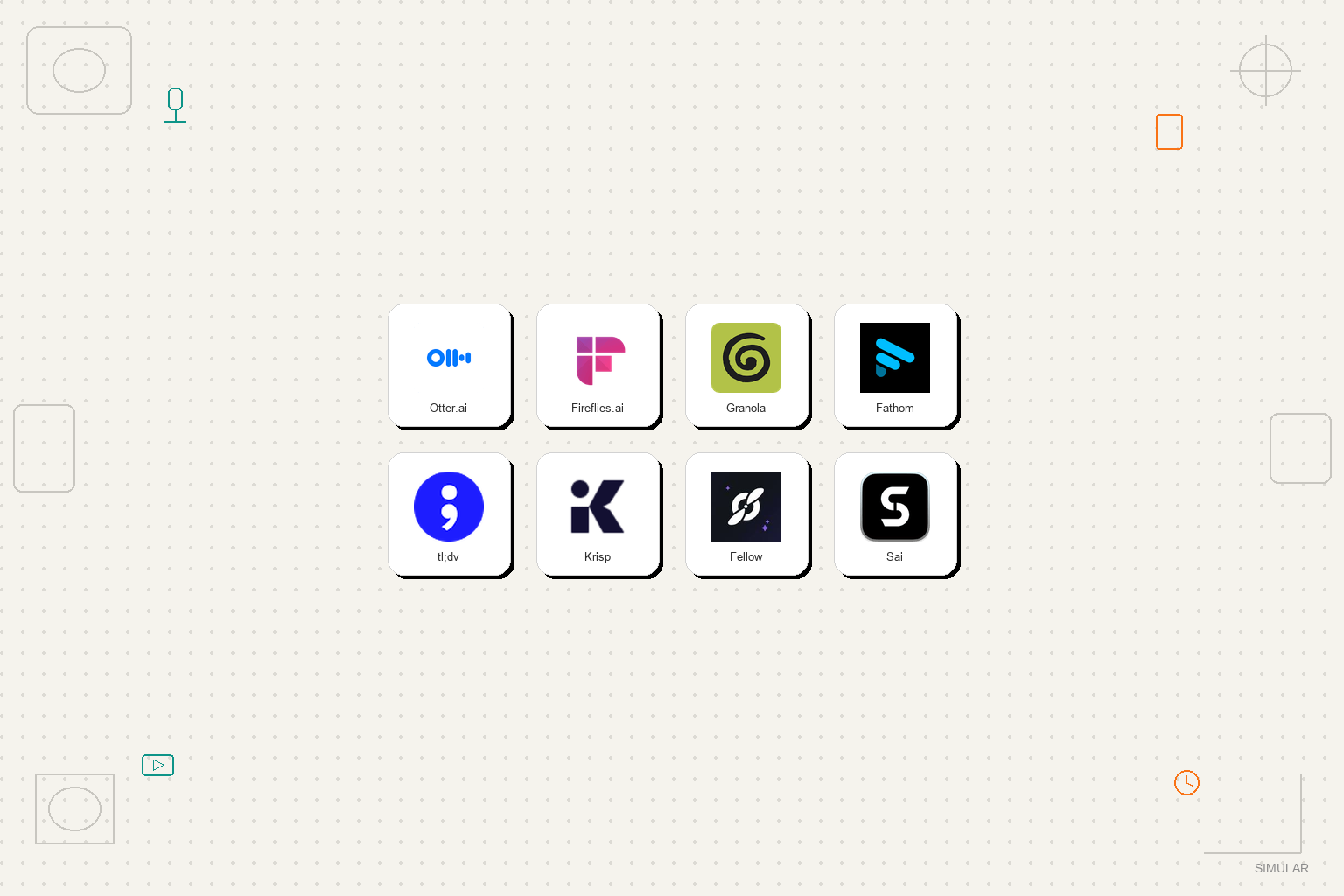
7 Best AI Meeting Note Taker Apps to Consider
1. Bluedot: Best for Quiet Background Recording
Bluedot is a strong pick if you do not want a bot sitting inside your calls. It works with major meeting platforms like Zoom, Google Meet, and Microsoft Teams.
It is useful for people who want clean transcripts and summaries without making the tool the center of attention. This makes it a great fit for founders, managers, recruiters, and client-facing teams.
2. Fathom: Best Free Option for Simple Meeting Notes
Fathom is popular because it is easy to start using. It records meetings, creates summaries, and lets you highlight important moments during the call.
It is a good choice for solo workers and small teams that want useful notes without a long setup. If your main goal is “record the meeting and tell me what mattered,” Fathom does that well.
3. Fireflies.ai: Best for Team Collaboration
Fireflies.ai is built for teams that need to search past meetings and track topics over time. It can help you find where a certain client, project, or decision was mentioned.
This is helpful for remote teams that have many calls each week. It also works well if different departments need to review notes later.
4. Jamie: Best for People Who Want Clean Notes
Jamie is often praised for turning messy meetings into neat, readable notes. It focuses on creating meeting summaries that feel useful rather than overwhelming.
It is a good fit if you care less about advanced analytics and more about getting a clear recap. For many people, that is exactly what a meeting tool should do.
5. tl;dv: Best for Video Meeting Highlights
tl;dv is a smart choice if your team lives inside video calls. It helps record meetings, create notes, and share key clips with others.
This is useful when someone missed the meeting but does not want to watch the full recording. They can jump straight to the important parts.
6. Otter.ai: Best Known Name for Transcription
Otter.ai has been around for a long time and is well known for transcription. It can capture conversations, label speakers, and create searchable notes.
It is a safe option for students, freelancers, and teams that mainly need reliable speech-to-text. Just check the plan limits before using it for every meeting.
7. Avoma or Granola: Best for Special Use Cases
Avoma is best for sales and customer teams that want conversation analytics, coaching, and pipeline notes. It is more than a simple note taker.
Granola is interesting because it mixes your own notes with meeting intelligence. If you like writing a few notes yourself but want help filling the gaps, Granola is worth trying.
Quick Comparison Table
| App | Best For | Why Pick It |
|---|---|---|
| Bluedot | Bot-free meeting notes | Records quietly in the background |
| Fathom | Free, simple summaries | Easy to use and fast to set up |
| Fireflies.ai | Team search and collaboration | Good for tracking topics across calls |
| Jamie | Clean meeting recaps | Turns long talks into readable notes |
| Avoma | Sales and customer teams | Adds analytics and coaching features |
How to Choose the Best AI Meeting Note Taker App
Step 1: Decide Where Your Meetings Happen
Start with your main meeting platform. If your team uses Zoom, Google Meet, or Teams every day, make sure the app works smoothly with that platform.
If you take meetings on mobile, check the iPhone and Android support before you sign up. Some tools are stronger on desktop than on phones.
Step 2: Pick Your Privacy Style
If you meet with clients, candidates, patients, or legal teams, privacy matters a lot. A bot-free recorder like Bluedot may feel more professional in sensitive calls.
Also check how recordings are stored, who can access them, and whether you can delete them easily. A note app should save time, not create risk.
Step 3: Match the Tool to Your Job
For personal productivity, Fathom, Jamie, or Otter may be enough. For team knowledge, Fireflies.ai or tl;dv can make more sense.
For sales calls, Avoma is stronger because it looks at conversation quality, objections, and follow-ups. If your goal is better work systems overall, you may also like this guide to 11 Best AI Productivity Tools in 2026 for Work, Study, and Software Teams.
Step 4: Test It With a Real Meeting
Do not judge the app from a demo alone. Try it in a real meeting with background noise, different speakers, and a normal agenda.
After the meeting, check three things: transcript accuracy, summary quality, and action items. If those are weak, the app will not save you much time.
Best AI Meeting Note Taker App for iPhone and Android
If you need phone support, look closely at mobile apps like Otter.ai and Minutes AI. Minutes AI focuses on recording audio, creating transcripts, and showing who said what.
For mobile users, the biggest feature is speed. You want to open the app, start recording, and get notes without digging through settings.
This same idea applies to other smart tools too. Whether you are choosing meeting software, smart glasses, or home devices, the best product is the one that fits your real habits. For example, this breakdown of 7 Best AI-Powered Smart Glasses in 2026: Ultimate Meta Ray-Ban vs New Competitors Breakdown also focuses on practical daily use, not just specs.
FAQ
What’s the best AI note taker for meetings?
Bluedot is the best choice for many people because it can record without a visible bot joining the meeting. If you want a free and simple tool, Fathom is also a strong pick.
What is the best free AI meeting note taker app?
Fathom, Jamie, tl;dv, Fireflies.ai, and Otter.ai all offer useful options depending on your needs. The best free choice depends on how many meetings you record and which features are limited on the free plan.
Is Bluedot better than Otter.ai?
Bluedot is better if you want background recording without a bot. Otter.ai is better if you mainly want a familiar transcription tool with strong speech-to-text features.
Can AI meeting note takers work for in-person meetings?
Yes, some apps can record in-person audio through your phone or laptop microphone. For best results, place the device near the speakers and reduce background noise.
Are AI meeting note takers safe to use?
They can be safe if you choose a trusted app and manage permissions carefully. Always tell people when a meeting is being recorded, and review your company’s privacy rules.
Final Recommendation
Choose Bluedot if you want the best all-around AI meeting note taker with a smooth, bot-free feel. It is the strongest pick for professionals who want notes without changing the mood of the meeting.
Choose Fathom if you want a simple free option, Fireflies.ai if your team needs searchable meeting history, and Avoma if you run sales or customer calls. For most busy workers, start with Bluedot first, then test one free backup to compare the notes side by side.
“Choose Fathom if you want a simple free option, Fireflies.ai if your team needs searchable meeting history, and Avoma if you run sales or customer calls.”
*Affiliate link — we may earn a small commission at no extra cost to you.
Personal finance writer with 6+ years covering Indian markets, home loans, and investment strategies. Based in Mumbai. Obsessed with helping middle-class Indians build real wealth.